 Resolve Note
Write
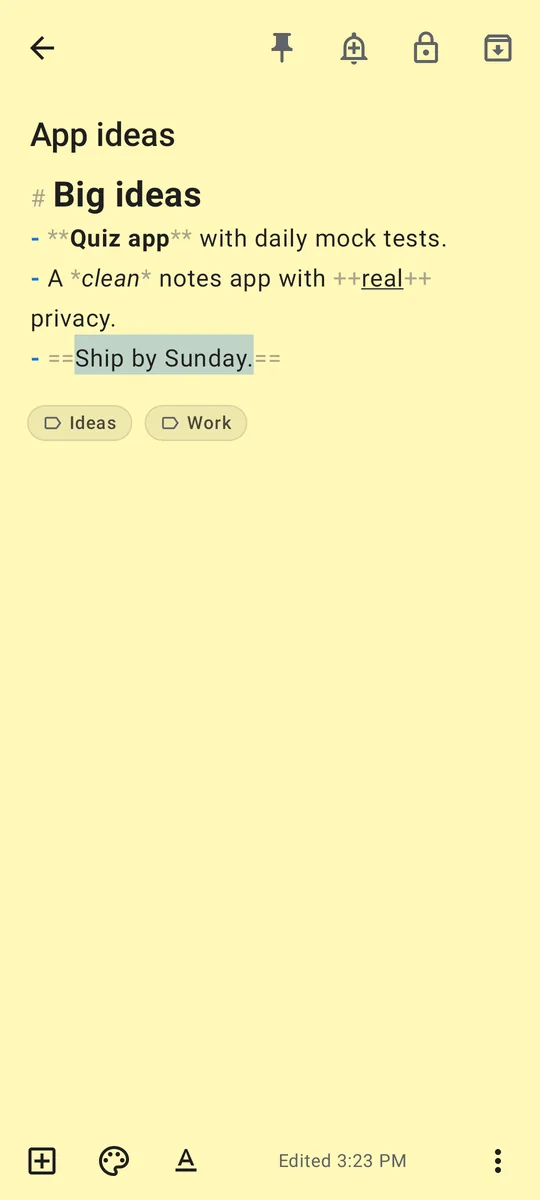
Text notes and checklists. Headings, bold, italics, lists, quotes and code from one small toolbar. Saved as plain Markdown.
Resolve Note is a clean, simple notes app with serious privacy underneath. Every note is encrypted on your phone. Lock the app with a PIN, your fingerprint or a YubiKey, give any note its own password, and sync only if you want to, end to end encrypted.
आपके नोट्स, सिर्फ़ आपके।
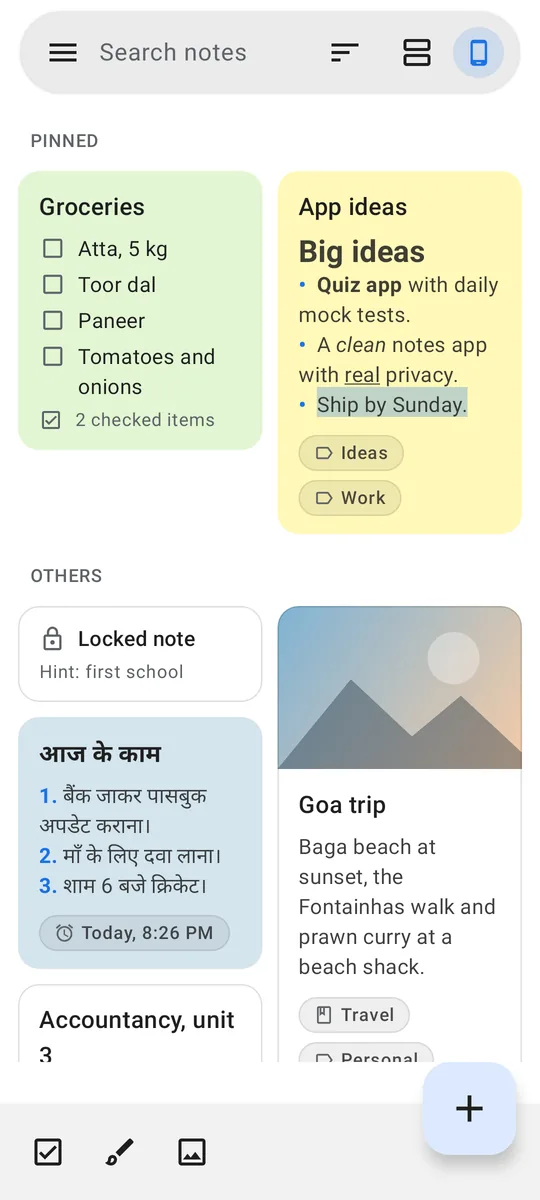
The home screen looks like a calm paper notebook: your notes as cards, a search bar and a + button. Everything else lives in the menu, where it belongs.
Text notes and checklists. Headings, bold, italics, lists, quotes and code from one small toolbar. Saved as plain Markdown.
Sketch with your finger in eight colours. Add photos; their location data is removed and the image is encrypted.
Pin, labels, notebooks, archive and a 7-day trash. Long-press to pin, move, lock or delete many notes at once.
Later today, tomorrow, next week or any date and time. Locked notes never show their title in the notification.
106 themes: light, dark, AMOLED black, gradients and patterns. 23 fonts and four text sizes.
One backup file sealed with your password. Export notes as Markdown or plain text whenever you like.
Every image below is rendered from the app's own code.
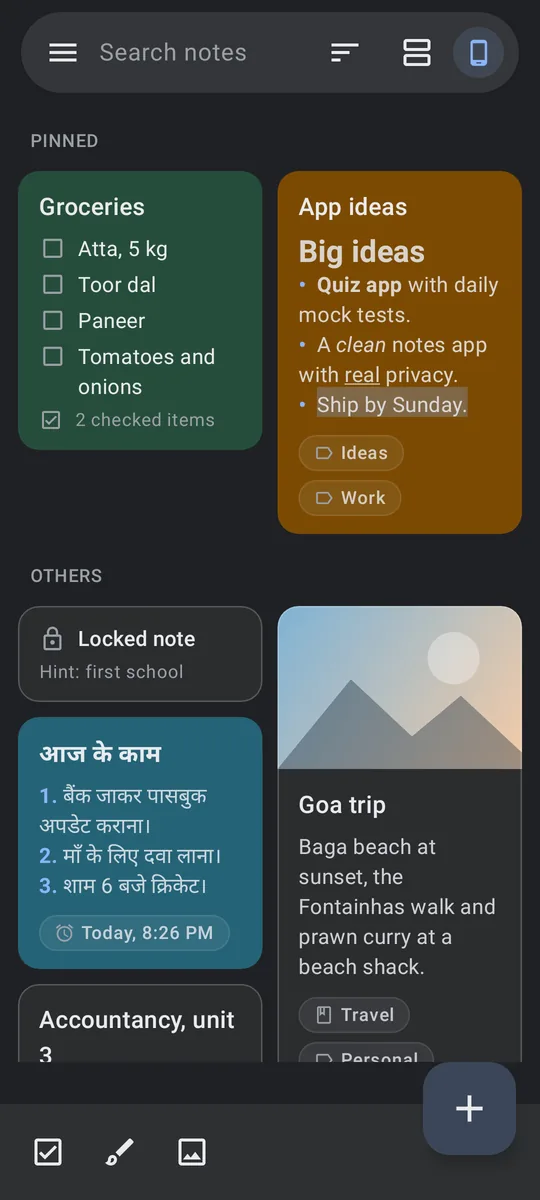
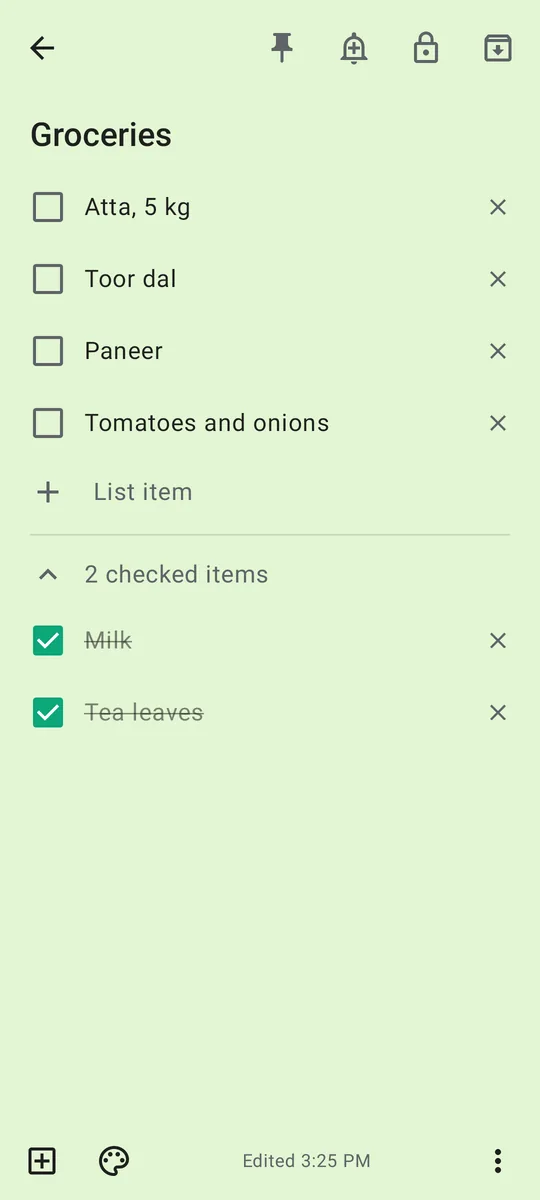
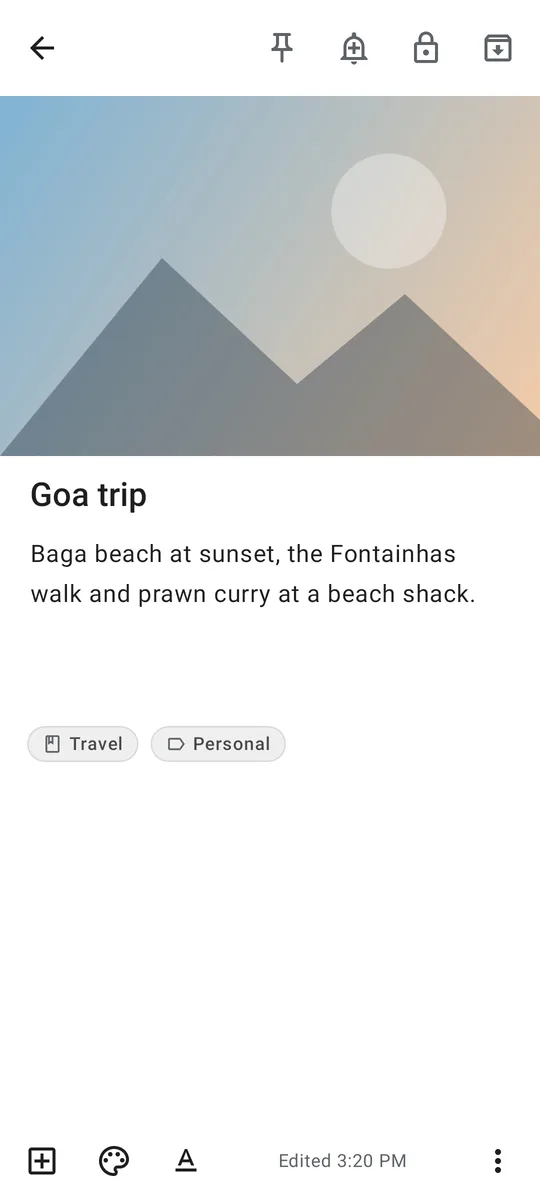
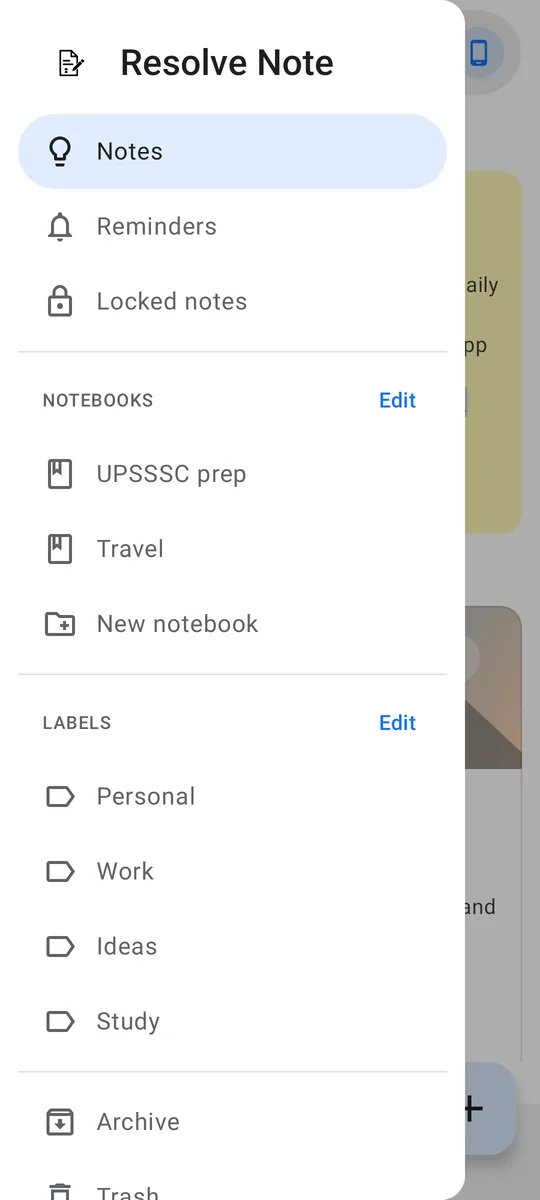
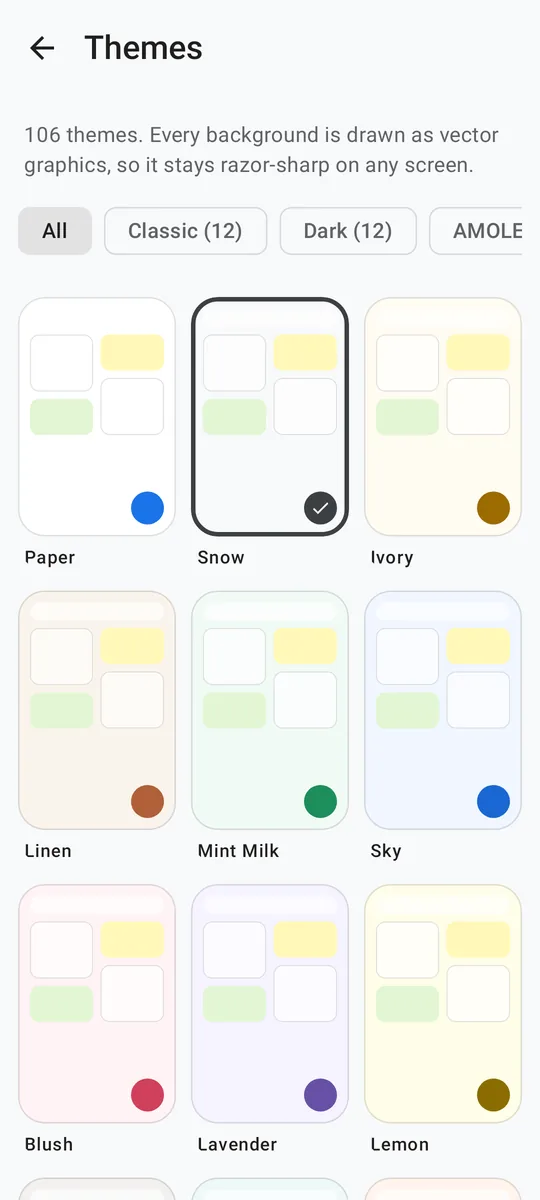
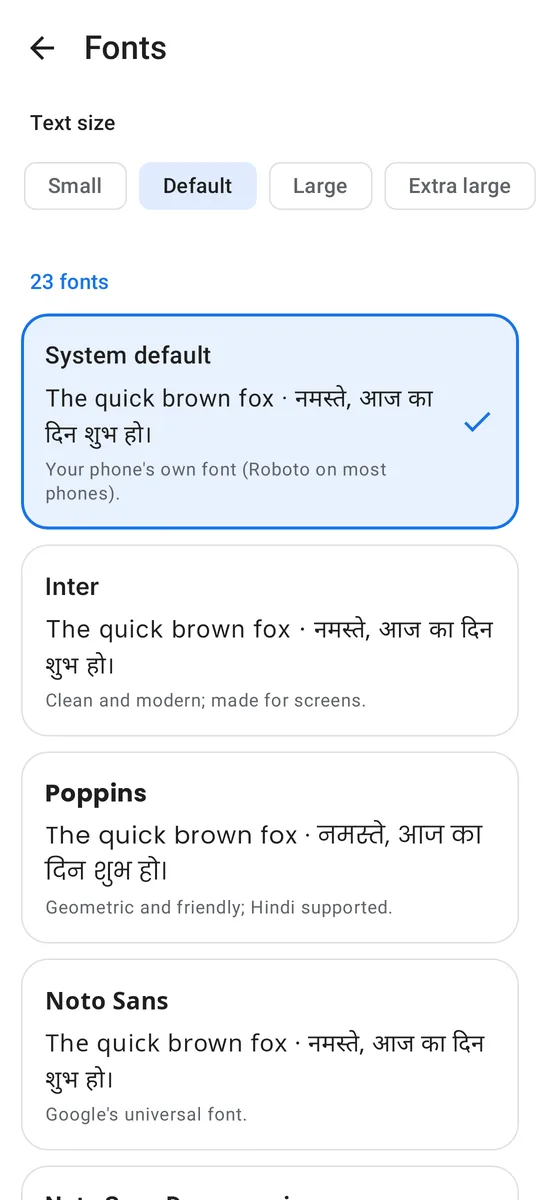
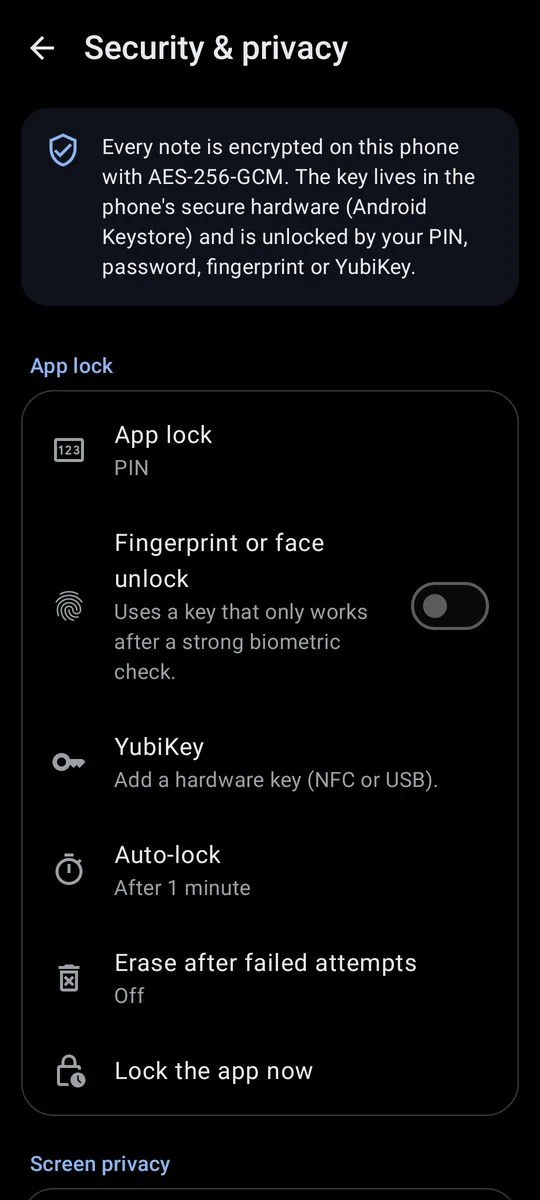
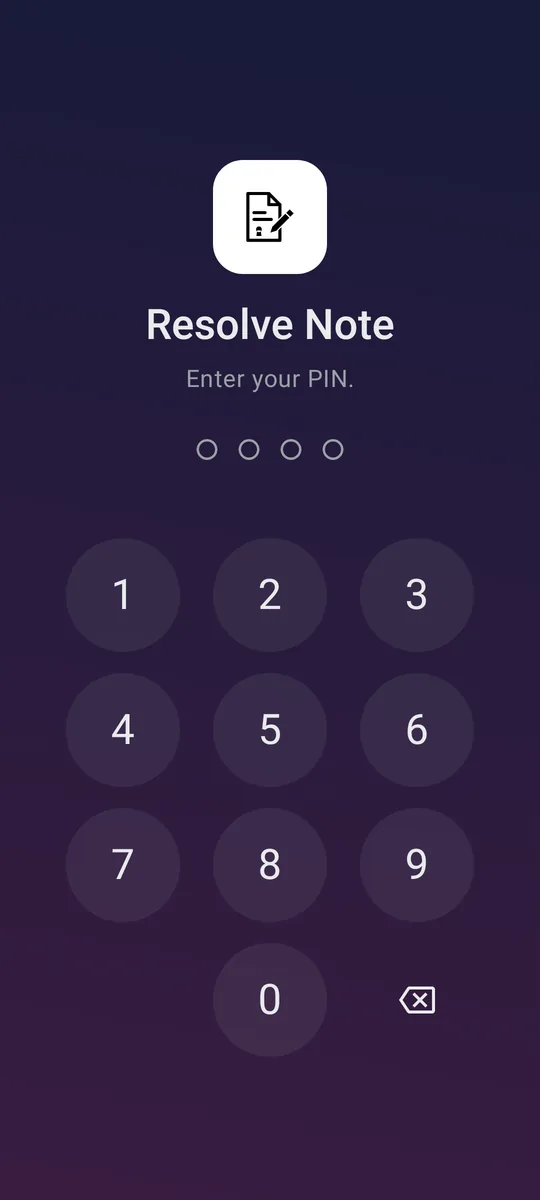
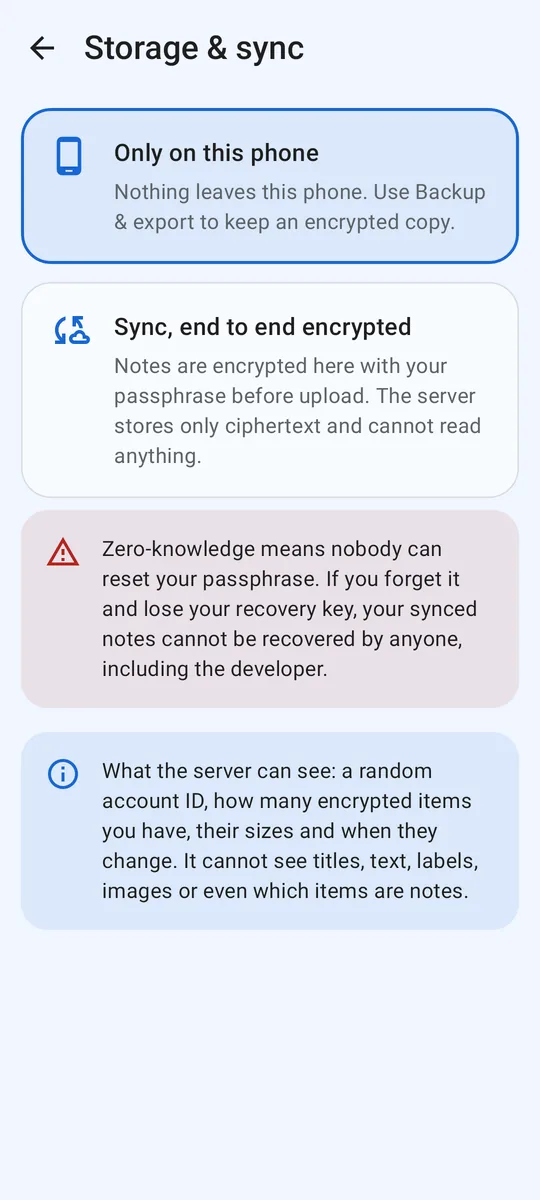
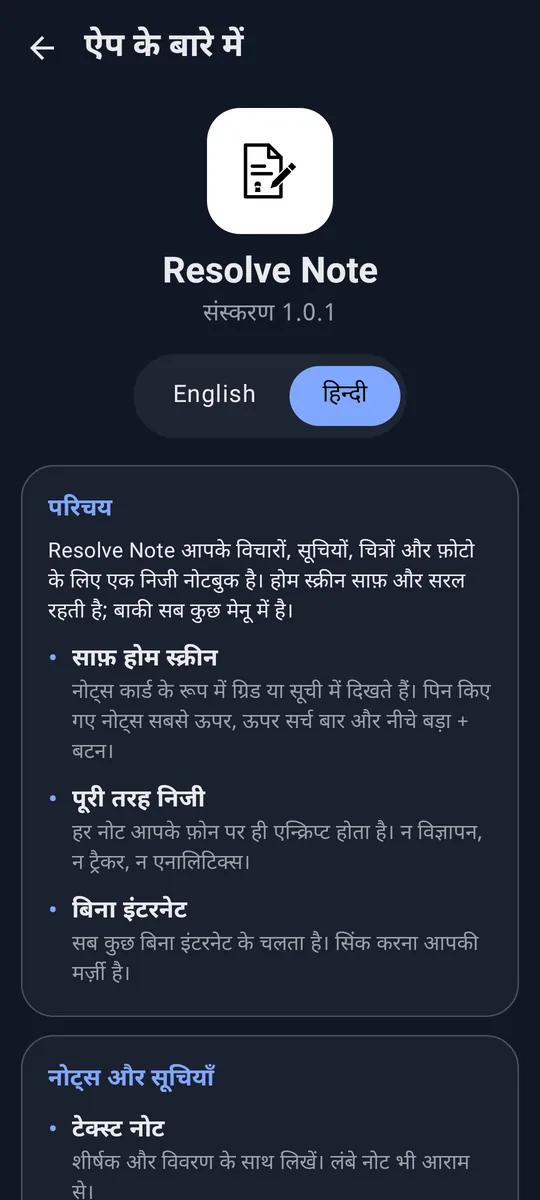
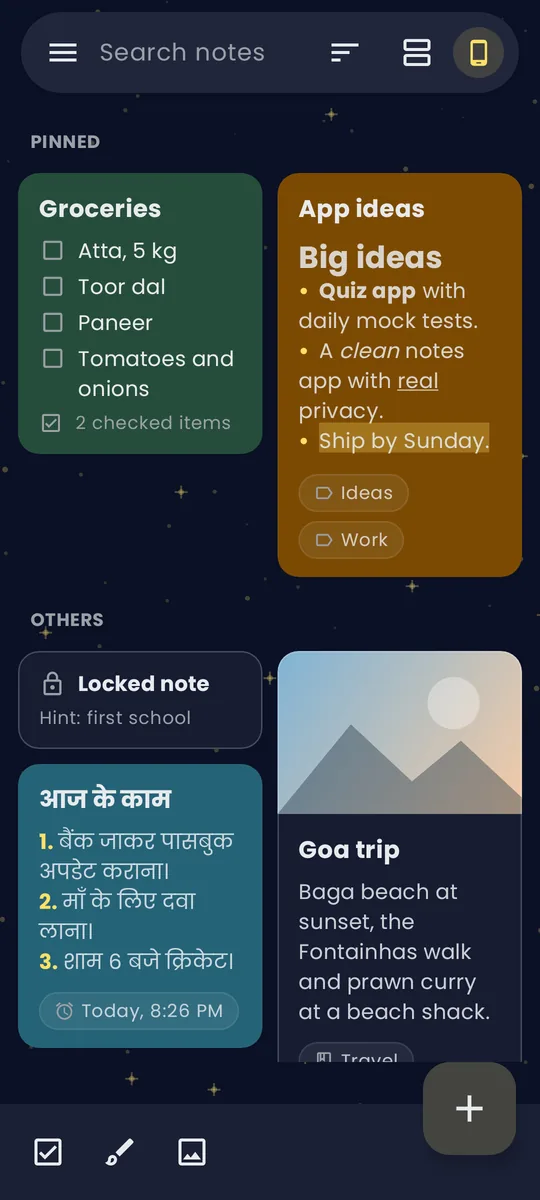
No promise in a policy can protect your notes; the way the app is built can. Here is what it does.
If you forget your sync passphrase and lose your recovery key, nobody, including us, can bring your synced notes back. That is the point.
Google Keep, Microsoft OneNote, Evernote, Zoho Notebook and Notion, checked against their own help pages on 21 October 2026. Where they do something better, we say so.
| Feature | Resolve Note | Keep | OneNote | Evernote | Zoho Notebook | Notion |
|---|---|---|---|---|---|---|
| Privacy and security | ||||||
| End-to-end encryption of every note | ✓ | — | Password-protected sections only | Selected text, desktop and web | — | — |
| Use it with no account at all | ✓ | — | — | — | Guest mode documented for iOS only | — |
| App lock: PIN, password or fingerprint | ✓ | — | Work accounts only (Intune) | ✓ | ✓ | — |
| Unlock the app with a YubiKey | ✓ | — | — | — | — | — |
| Lock a single note | ✓ | — | Whole sections only | Text blocks, desktop and web | ✓ | — |
| A different password for each note | ✓ | — | Per section | Per text block, desktop and web | One passcode for all | — |
| Block screenshots of the app | ✓ | — | Work accounts only (Intune) | Yes, when passcode is on | Not documented | — |
| Password-protected backup of everything | ✓ | — | — | — | One note at a time | — |
| Choose your own sync server | ✓ | — | SharePoint, desktop only | — | — | — |
| Look and feel | ||||||
| App themes | 106 | Light, dark | Light, dark | Light, dark | Light, dark | Light, dark |
| Fonts for note text | 23, incl. Hindi | — | Desktop; Android not documented | ✓ | ✓ | 3 (Default, Serif, Mono) |
✓ yes · — not offered · grey text: partly, with the limit noted. Android apps, free plans.
Free. No account, no ads. Version 1.0.1, 7.8 MB, for Android 8.0 or newer.
Had the earlier test build called “Notes”? This version installs over it and keeps your notes.
SHA-256: 406ecc3732544ca09ad017cd1b3becd7186d830d04ebf9a1ac5ac6ba03fbda55
Yes. No ads, no subscription and no in-app purchases.
No. Notes stay on your phone by default. Sync is optional and needs only a random account ID and a passphrase you choose; no e-mail and no phone number.
No. On your phone, notes are encrypted with keys protected by the Android Keystore. With sync on, notes are encrypted before upload with a key made from your passphrase, so the server only ever holds unreadable data. It can see a random account ID, how many encrypted items you have, their sizes and when they change.
Use the recovery key you saved when you set up sync. If both are lost, your synced copy cannot be recovered by anyone. Notes on your phone are not affected.
Any YubiKey with HMAC-SHA1 challenge-response set up in slot 2 (for example, a YubiKey 5 NFC), over NFC or USB. You can use it instead of your PIN, or require both. If you choose “PIN + YubiKey”, keep an encrypted backup: without the key, the notes on that phone cannot be opened.
No app can honestly promise that. Resolve Note uses standard, well-tested cryptography (AES-256-GCM, Argon2id and the Android Keystore) and keeps the keys on your phone. A phone already infected with malware, or someone watching you type your PIN, can defeat any app. A long password is stronger than a short PIN.
Completely. The internet is used only for sync, and only if you turn it on.
Not yet. Download the APK from this page; store listings are on the way.
The About section is written in both English and Hindi, and there are Hindi fonts for your notes. हिन्दी फ़ॉन्ट और हिन्दी में पूरी जानकारी ऐप में है।
Write to resolvenoteapp@proton.me. Bug reports and suggestions are very welcome.